Comprehensive Guide to the 2025 CKS Exam: Falco and Pod Security Standards
Passing the Certified Kubernetes Security Specialist (CKS) exam requires a deep understanding of cluster hardening, system security, and runtime threat detection. With the 2025 updates, the exam has become even more practical, emphasizing real-world scenarios like configuring Falco for runtime security and implementing Pod Security Standards (PSS). This guide synthesizes key strategies, Falco rules, and security profiles to help you clear the exam.
The CKS Exam Blueprint (2025)
The CKS exam is a 2-hour, hands-on test that challenges you to secure Kubernetes environments during build, deployment, and runtime. It requires a valid CKA certification as a prerequisite. The exam content is distributed as follows:
- Cluster Setup (10%): Secure installation, network policies, and TLS.
- Cluster Hardening (15%): RBAC, API server restrictions, and admission controls.
- System Hardening (15%): Minimizing host OS footprint and kernel attack surface.
- Minimize Microservices Vulnerabilities (20%): Security contexts, image scanning, and secrets management.
- Supply Chain Security (20%): Image integrity and pipeline security.
- Monitoring, Logging, and Runtime Security (20%): Threat detection with Falco and audit logs.
Mastering Falco for CKS
Falco is a critical tool for the runtime security section. In the exam, you don't have time to explore documentation; you need a strict workflow.
Essential Falco Workflow
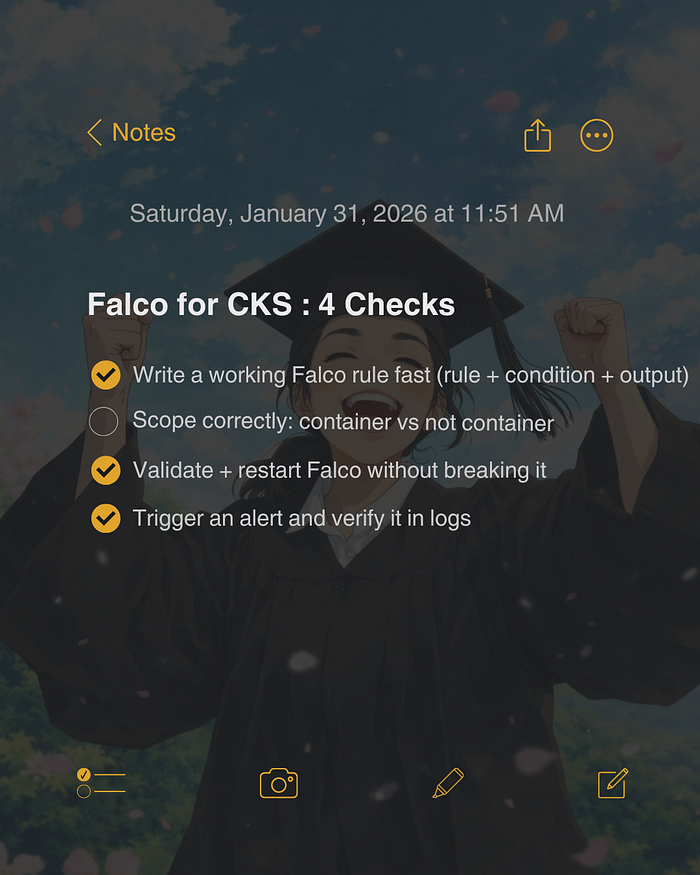
- Analyze the Prompt: Identify the event (e.g., shell spawn), scope (container vs. host), and target.
- Write the Condition: Focus on syscalls like
execve,open, orconnect. - Format Output: Match the requested output format exactly.
- Set Priority: Use CRITICAL, WARNING, or NOTICE as asked.
- Persist Rules: Write rules to
/etc/falco/falco_rules.local.yaml. - Restart & Verify:
systemctl restart falcoand check logs withjournalctl -u falco.
Key Falco Rules to Memorize
1. Detect Shells in Containers:
- rule: Shell Spawned in Container
  desc: Detect shells started inside containers
  condition: >
    (evt.type in (execve, execveat)) and
    container and
    (proc.name in (bash, sh, zsh))
  output: "SHELL_ALERT: %evt.time %k8s.ns.name %k8s.pod.name %container.name"
  priority: WARNING
  tags: [container, shell]
2. Detect Outbound Connections (Curl/Wget):
- rule: Curl or Wget Outbound Connect
  desc: Detect outbound connects from curl/wget
  condition: >
    (evt.type = connect) and
    container and
    (proc.name in (curl, wget))
  output: "OUTBOUND_CONNECT: %evt.time %k8s.pod.name"
  priority: WARNING
Understanding Pod Security Standards
Kubernetes Pod Security Standards (PSS) define three policies to restrict pod capabilities: Privileged, Baseline, and Restricted.
The Privileged Profile
The Privileged profile is the least restrictive and poses the highest risk. It allows:
- Unrestricted Capabilities: Full Linux capabilities, including
SYS_ADMIN. - Host Namespace Sharing: Access to host network, PID, and IPC namespaces.
- Host Filesystem Access: Ability to mount the root filesystem.
- Root Execution: Running containers as the root user (UID 0).
Use this profile only for system-level workloads like network plugins or node monitoring agents. For most applications, enforce the Baseline or Restricted profiles to minimize the attack surface.
Exam Tips for Success
- Time Management: Aim to finish the first pass in 90 minutes. Don't get stuck on one question.
- Aliases: Set up
alias k=kubectl,alias kgp='kubectl get pods', and enable autocompletion. - Verify Context: Always ensure you are on the correct cluster and node before making changes.
- Documentation: Know where to find Falco rules and PSS definitions in the official docs quickly.
For expert assistance in securing your infrastructure, consider our Kubernetes consultancy services. We help organizations implement robust security postures compliant with CKS standards.